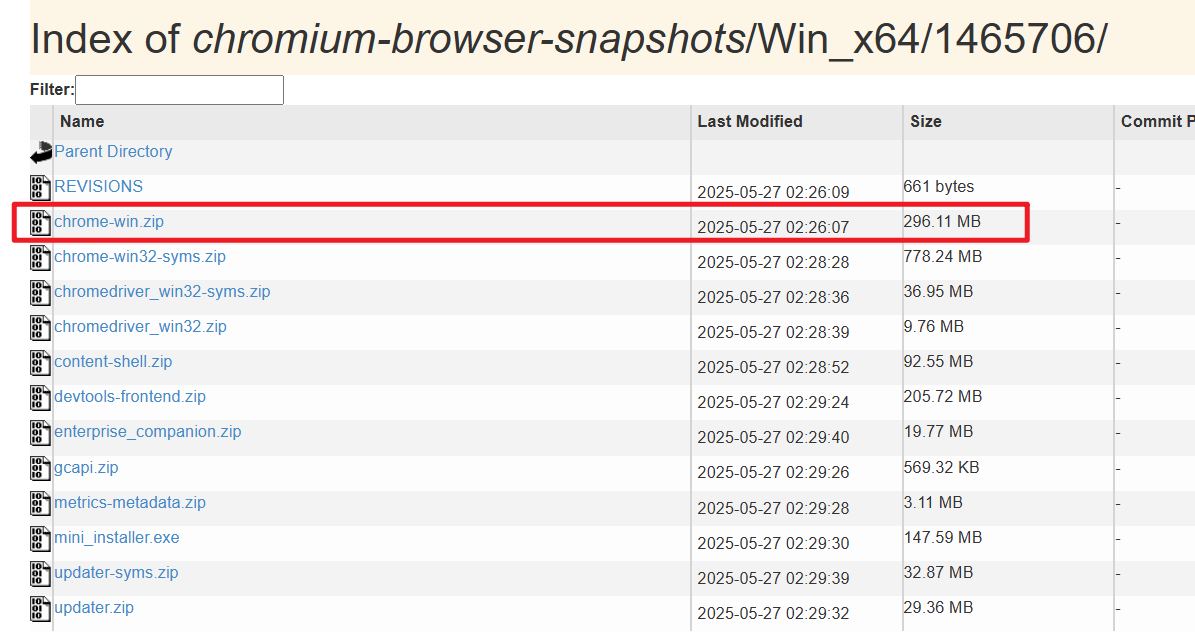
近期由于测试需要用到Chrome的历史版本,确实网上比较难找靠谱的资源。做个记录吧
Chrome:
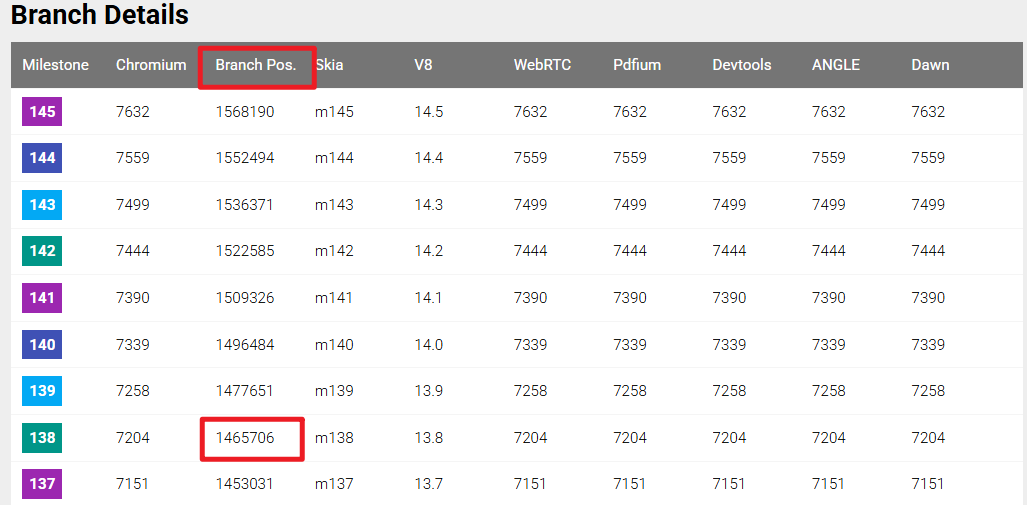
1,首先在:https://chromiumdash.appspot.com/branches 找到你需要的版本,Milestone 就是你指定的版本, 比如 138、140 等
2,找到需要的版本之后,看后面的 Branch Pos. 这个就是 Branch Base Position,比如 138版本 对应的是 1465706
3,再打开:https://commondatastorage.googleapis.com/chromium-browser-snapshots/index.html
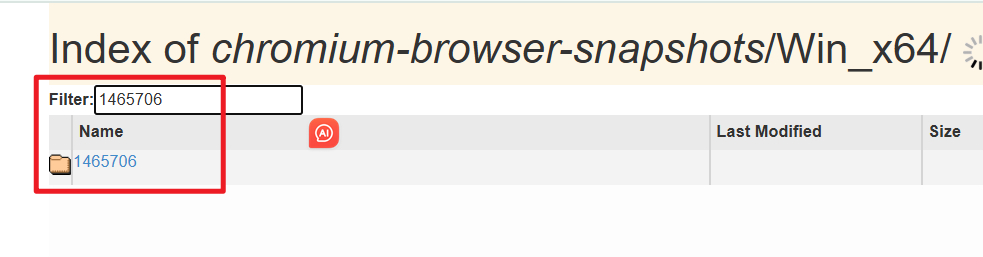
4,找到需要的平台,比如 win 64:https://commondatastorage.googleapis.com/chromium-browser-snapshots/index.html?prefix=Win_x64 再找到 138对应的 1465706 即可
5,下载 chrome-win.zip 即可