项目介绍
Syncfusion Toolkit for .NET MAUI提供高质量的UI控件,帮助你从单个代码库中为iOS、Android、macOS和Windows构建丰富的高性能应用程序。
使用这个工具包,开发人员可以以最小的努力交付美观、功能丰富的应用程序,缩短开发时间,同时确保跨平台的无缝和引人入胜的用户体验。
项目地址
https://github.com/syncfusion/maui-toolkit
本项目采用MIT授权。
文档地址
https://help.syncfusion.com/maui-toolkit/introduction/overview
控件列表
| 分类 | 控件 | 库中名称 | 表现 |
|---|---|---|---|
| 数据可视化 | Cartesian Charts |
SfCartesianChart |
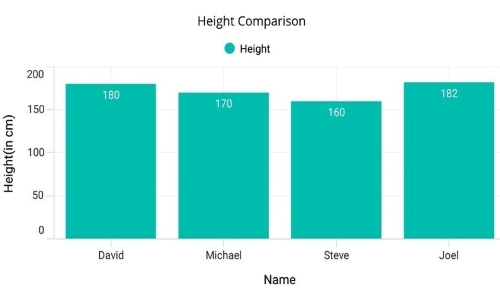 |
Circular Charts |
SfCircularChart |
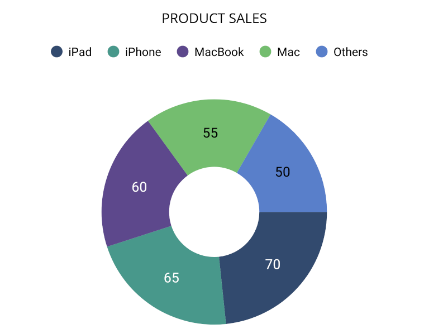 |
|
Funnel Charts |
SfFunnelChart |
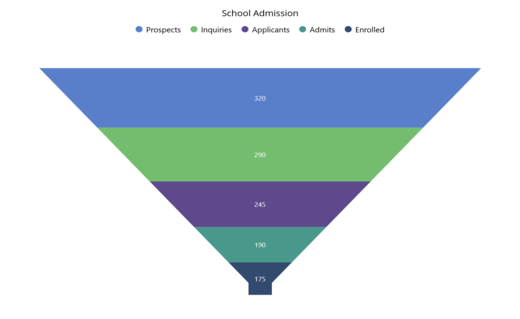 |
|
Polar Charts |
SfPolarChart |
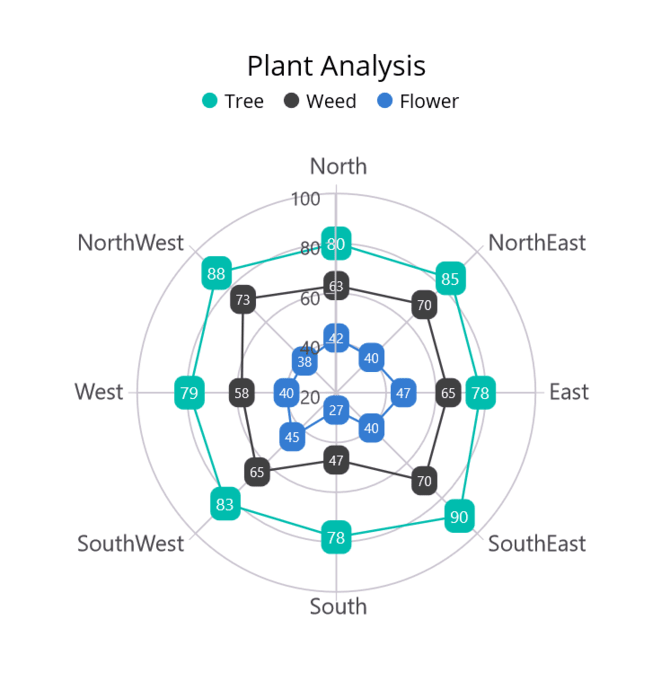 |
|
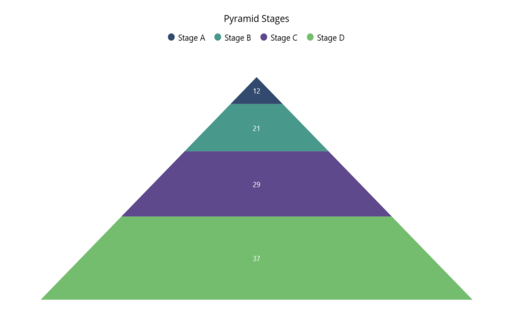
Pyramid Charts |
SfPyramidChart |
 |
|
Spark Charts |
SfSparkLineChart |
 |
|
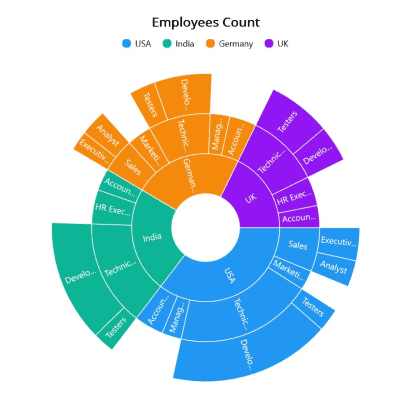
Sunburst Charts |
SfSunburstChart |
 |
|
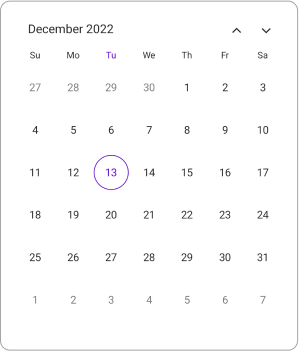
| 日历 | Calendar |
SfCalendar |
 |
| 编辑控件 | Date Picker |
`` | |
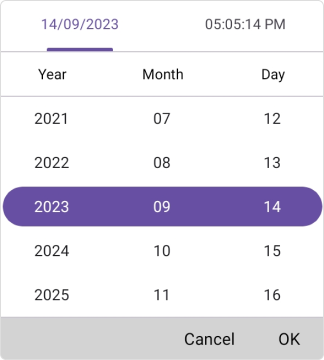
Date Time Picker |
SfDateTimePicker |
 |
|
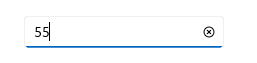
Numeric Entry |
SfNumericEntry |
 |
|
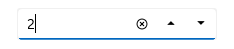
Numeric Up Down |
SfNumericUpDown |
 |
|
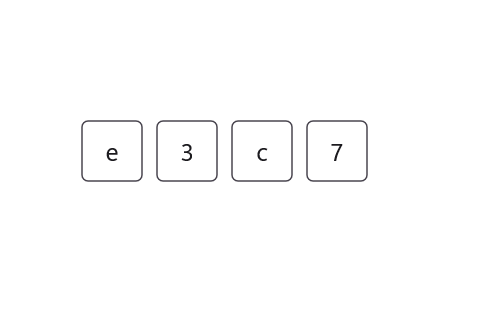
OTP Input |
SfOtpInput |
 |
|
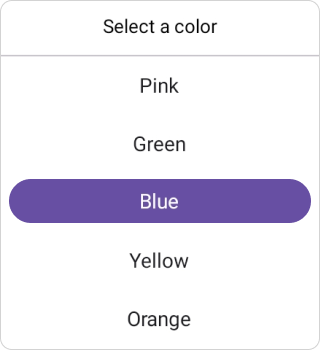
Picker |
SfPicker |
 |
|
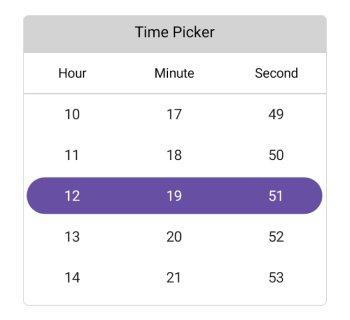
Time Picker |
SfTimePicker |
 |
|
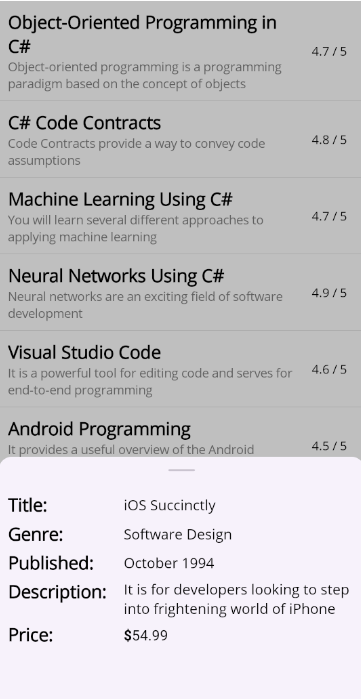
| 导航 | Bottom Sheet |
SfBottomSheet |
 |
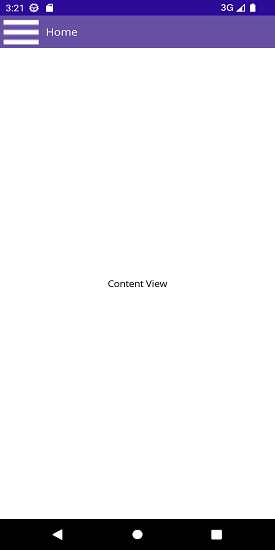
Navigation Drawer |
SfNavigationDrawer |
 |
|
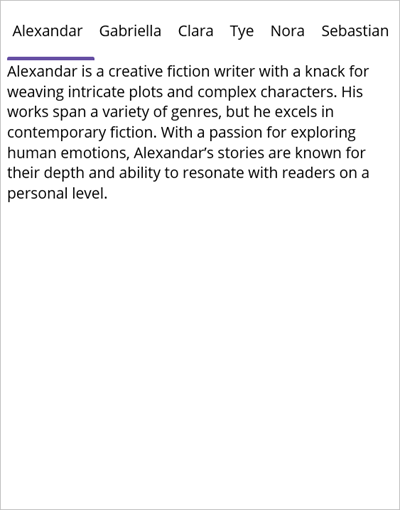
Tab View |
SfTabView |
 |
|
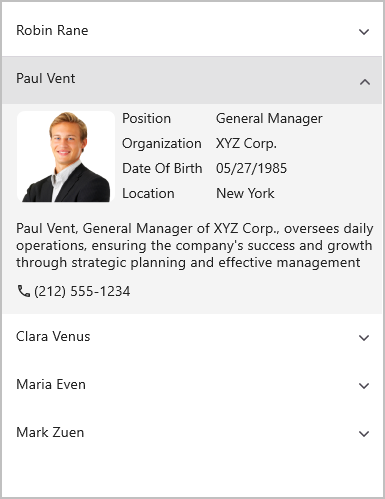
| 布局 | Accordion |
SfAccordion |
 |
Cards |
SfCardView |
 |
|
Carousel |
SfCarousel |
 |
|
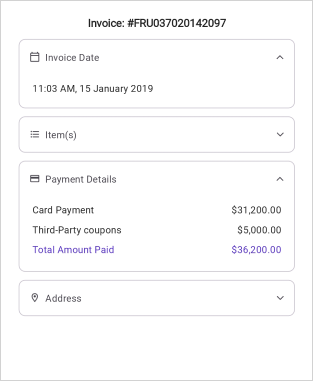
Expander |
SfExpander |
 |
|
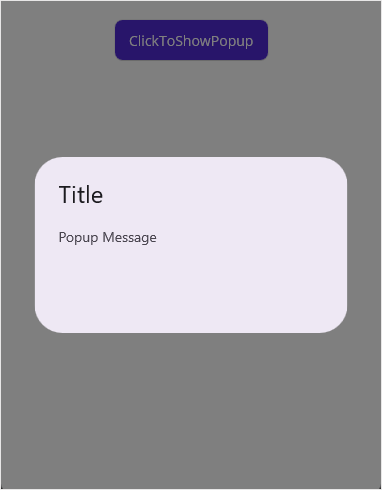
Popup |
SfPopup |
 |
|
Text Input Layout |
SfTextInputLayout |
 |
|
| 按钮 | Button |
SfButton |
 |
Chips |
SfChip |
 |
|
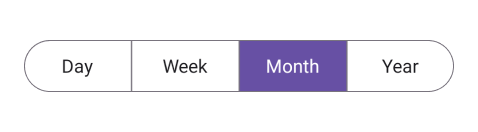
Segmented Control |
SfSegmentedControl |
 |
|
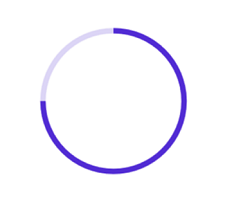
| 通知 | Circular Progress Bar |
SfCircularProgressBar |
 |
Linear Progress Bar |
SfLinearProgressBar |
 |
|
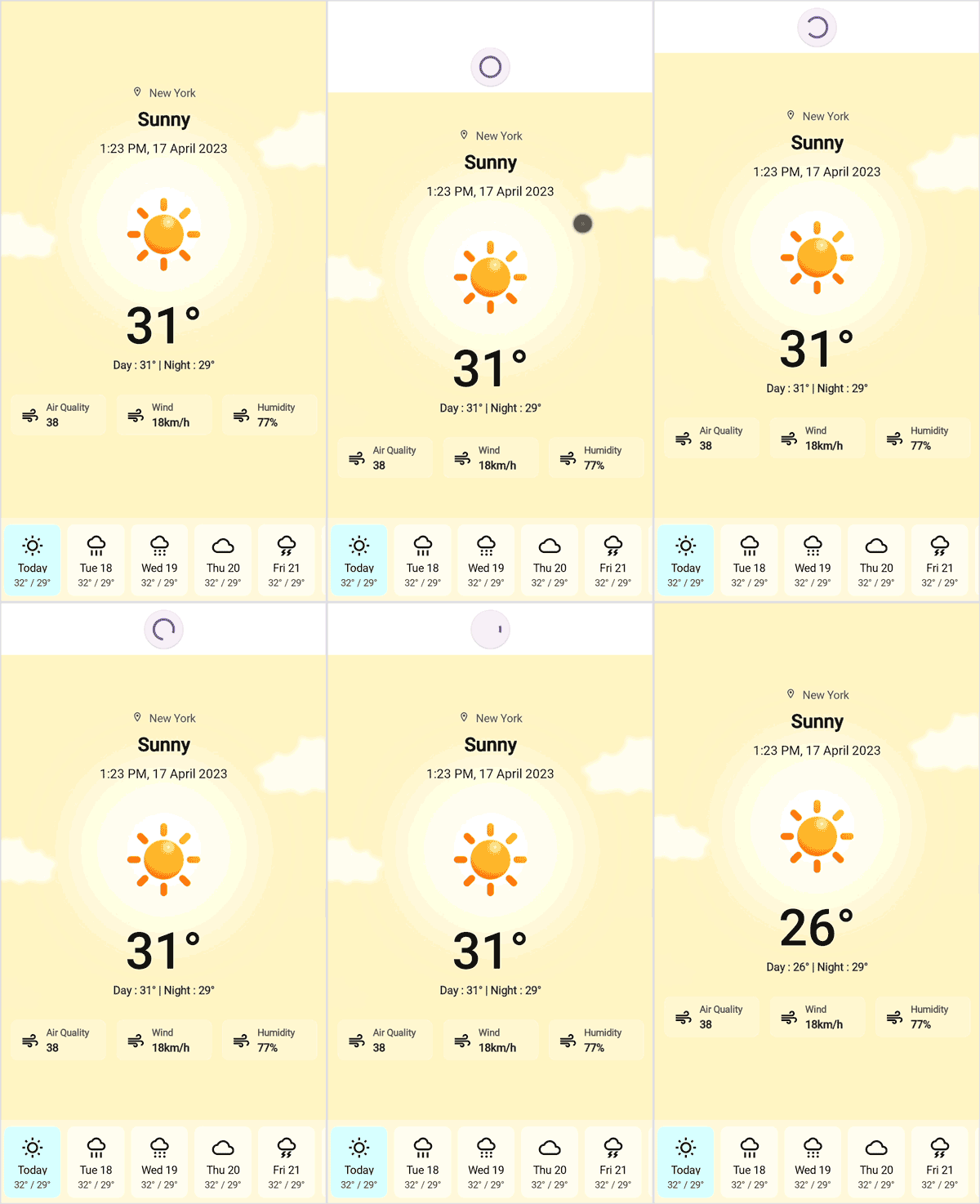
Pull to Refresh |
SfPullToRefresh |
 |
|
| 杂项 | Effects View |
SfEffectsView |
 |
Shimmer |
SfShimmer |
 |
使用方法
包引用
通过Nuget安装包Syncfusion® Toolkit for .NET MAUI
dotnet add package Syncfusion.Maui.Toolkit
或者直接在csproj文件中添加:
<PackageReference Include="Syncfusion.Maui.Toolkit" Version="x.x.x" />
配置
using Syncfusion.Maui.Toolkit.Hosting;public static class MauiProgram
{public static MauiApp CreateMauiApp(){var builder = MauiApp.CreateBuilder();builder.UseMauiApp<App>()// Initialize the Syncfusion .NET MAUI Toolkit by adding the below line of code.ConfigureSyncfusionToolkit()// After initializing the Syncfusion .NET MAUI Toolkit, optionally add additional fonts.ConfigureFonts(fonts =>{fonts.AddFont("OpenSans-Regular.ttf", "OpenSansRegular");fonts.AddFont("OpenSans-Semibold.ttf", "OpenSansSemibold");});// Continue initializing your .NET MAUI App herereturn builder.Build();}
}
为了在XAML中使用工具包,可以使用这个命名空间:
xmlns:toolkit="http://schemas.syncfusion.com/maui/toolkit"
这样的话,就可以直接在XAML中使用了相关控件了。
关于Syncfusion
Syncfusion成立于2001年,总部位于北卡罗来纳州三角研究园,拥有35000多家客户和100多万用户,其中包括大型金融机构、财富500强企业和全球IT咨询公司。
Syncfusion还具有很多好用的收费控件库,对于有实力的公司可以进行有偿使用。
此文已在公众号:MAUI与Avalonia开启原创,欢迎关注与转载。